New Playbook
The 90 Minute AI Founder Guide
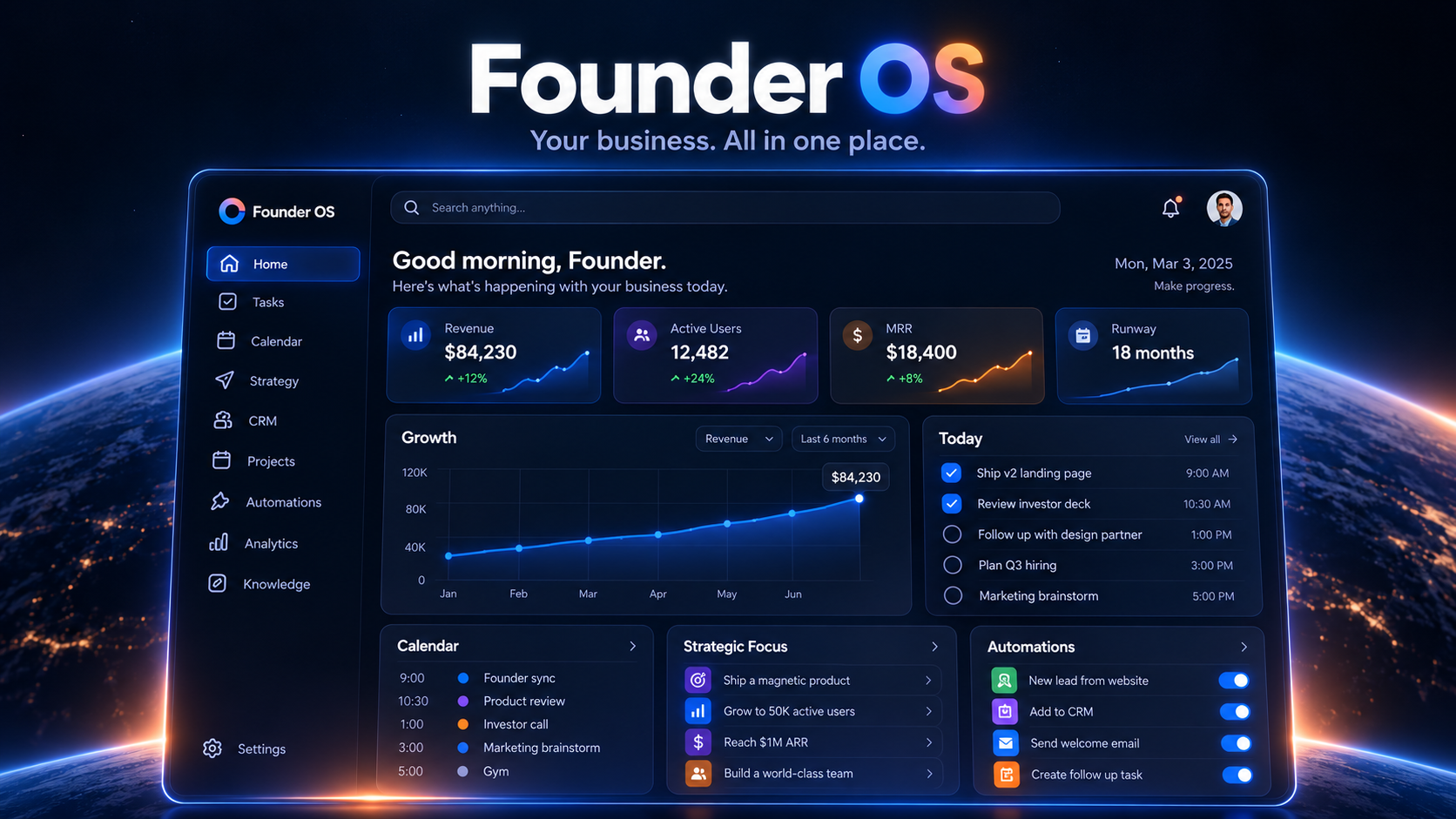
The 90 Minute AI Founder Guide shows you how to set up Founder.OS, a Claude setup that researches, drafts and plans your side business while you're at work.
Price $4.99Regular price $9.99
Launch price
One-time payment. Instant download.
The 90 Minute AI Founder Guide
What's inside
The five-stage Playbook Claude follows to suggest your next step, plus a guide to which replies count as real evidence (pages 4 to 6).
How a day runs: what Claude does on its own, what you start, how busywork gets parked and how the Sunday verdict works (pages 3 and 7).
An eight-step setup with screenshots showing where to click in Claude, Notion, Gmail and Google Calendar (pages 8 to 15).
Copy-and-paste text for the project instructions, the setup interview and the three scheduled task prompts (pages 16 to 18).
The Notion setup: a link to the Founder.OS template you can duplicate, or every list and field to build it yourself (pages 9 and 20).
The short phrases you'll type each night, such as "Where were we?" and "Close my session." (page 19).
Your first week day by day, a sample Sunday CEO Briefing, and what to do when something goes wrong (pages 21 to 23).
The five Founder.OS skill files you install in Step 7, in the same ZIP download as the guide (page 14).
Your side business, run in 90 minutes an evening
You know the evening. You sit down at 21:00, watch a tutorial, try a new tool and tidy a few notes. And your idea is exactly where you left it.
Founder.OS is a setup in Claude that works on your idea while you're at your job, and gets everything ready for your evening. This guide shows you how to build it, step by step, in one evening.
It's for you if you have a full-time job, a side business or the start of one, and about 90 minutes on most weekday evenings. No business idea yet? That's fine. During setup, Claude suggests three ideas based on what you're already good at and the people you already know. You pick.
If you want a tool that sends emails or posts for you, this isn't it. Founder.OS prepares. You press send.
Claude prepares. You decide.
For 90 minutes a day, you're the CEO and Claude is your team. While you're at work, Claude researches, makes lists and drafts emails. In the evening, you do the part only you can do: make the decisions, talk to people, press send and agree tomorrow's assignment.
What it does for you
- Remembers everything. It keeps a record in Notion, so every evening starts where the last one stopped. Just type "Where were we?"
- Works while you're away. Every weekday, it works on the task you approved the night before. When you get home, a summary page called While You Were at Work is waiting.
- Suggests your next step. It works from what real people told you, using a five-stage Playbook, and shows you its reasoning so you know exactly what you're agreeing or disagreeing with.
- Keeps you off busywork. When you drift into tasks that feel productive but don't move your idea forward, it parks them for later.
- Briefs you every Sunday. Like a chief of staff, it reviews your week and gives you one verdict: keep going, change the plan, or park the idea.
The one rule that never bends
Founder.OS never sends an email, posts, spends money, signs up for anything or books anything on its own. Your project instructions, skills and task prompts all tell Claude to create drafts only, and to add calendar events only after you say yes. You open each draft, change anything you like and press send yourself.
How a day works
Claude runs three scheduled tasks on its own, and you start the other two. Five skills tell Claude how to do each part well.
- 09:00, Day Shift. Runs on its own, weekdays. Claude works on exactly the assignment you approved last night: research with sources, lists and email drafts. Then it writes your While You Were at Work page and lists the decisions waiting for you.
- 18:30, Evening Prep. Runs on its own, weekdays. It saves today's email replies as evidence, in people's exact words. It checks your calendar to see how much time you have tonight and builds your agenda. If you have less than 45 minutes, it plans a shorter evening.
- Evening Shift. You start it. Type "Start tonight's session." Claude walks you through three questions: What changed? What needs me? What happens next? You make the decisions one at a time and do the one thing only you can do.
- Close My Session. You start it, in the last 5 minutes. Type "Close my session." Claude saves what happened tonight and any new evidence, then writes tomorrow's assignment. Change anything you want, then approve it before bed.
- Sunday CEO Briefing. Runs on its own, Sundays. It reviews your whole week, gives you one verdict, suggests next week's evenings, writes Monday's assignment and updates your dashboard.
You can change the times to fit your day. On a rough night, type "I'm wiped. Give me the 25-minute version."
Questions we're often asked
Instant download
The 90 Minute AI Founder Guide
Price $4.99Regular price $9.99
Launch price